
Channels & grants
A channel (or published endpoint) is a message route on one of your servers that you’ve exposed through the Contact System. The Channels area is where you see your published channels and control who can access them.
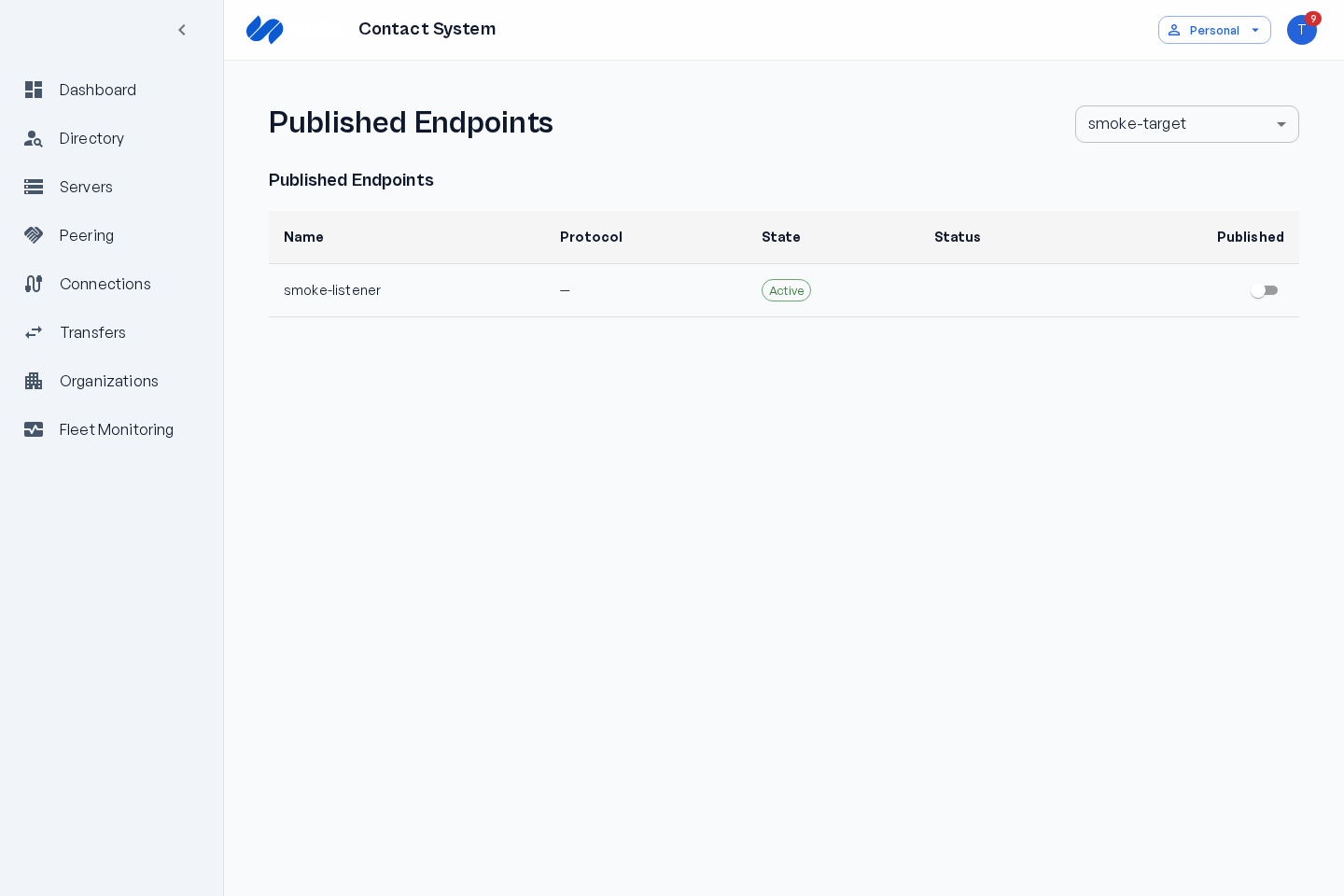
Viewing published channels
Section titled “Viewing published channels”- Go to Channels.
- Select a server to see the channels it publishes.
- Open a channel to view its details and the partners who currently have access.
How channels work
Section titled “How channels work”A published channel is a listener: it receives data from peers, and one listener can accept from many authorized peers (an N:1 fan-in). There is no separate “sender” channel — outbound delivery to a peer is a connection, not a channel.
You don’t author or configure a channel’s direction in the Contact System. Each channel is a 1:1 projection of a Gateway Listener channel on your server, synced automatically by the Gateway Connector plugin. To send data to a partner, the partner binds a local sender channel to the connection on their side.
Granting access
Section titled “Granting access”A grant gives a specific partner permission to use a specific channel. Grants are scoped and revocable — they’re how you decide exactly what each partner can reach.
Access can be offered by the channel owner or requested by a peer.
You offer access:
- Confirm you have an agreement with the partner.
- Open the channel and offer a grant to that partner (the grant starts as pending).
- The partner approves the grant (or denies it). Approving automatically provisions the connection that carries the channel data — there is no separate manual provisioning step.
A peer requests access:
- The peer browses your published channels and clicks Send Request on a channel you’ve published for peering (the grant starts as requested).
- You’re notified and can Approve or Deny the request. Approving provisions the connection automatically, the same as an offered grant.
Only channels published for peering can be requested, and a grant must be approved before its connection is provisioned.
Revoking access
Section titled “Revoking access”Revoke a grant at any time to cut off a partner’s access to that channel. Revoking a grant tears down the connection that depends on it. Revoking is immediate.
Channel limits
Section titled “Channel limits”Your tier caps how many channels each server can publish (Free: 5, Standard: 25, Enterprise: unlimited).