
Destinations
A destination is a delivery target for alert notifications. You create destinations once and then assign them to any number of alert rules. When a rule fires, resolves, or is acknowledged, every destination attached to that rule receives a notification.
Destination types
Section titled “Destination types”Webhook
Section titled “Webhook”Posts an HTTPS JSON payload to any URL that can receive it — Slack incoming webhooks, PagerDuty, custom automation endpoints, or your own tooling.
Every webhook request is signed using HMAC-SHA256. The signature appears in the X-Alerts-Signature-256 header as sha256=<hex>. A timestamp header (X-Alerts-Timestamp) is also included for replay protection. Verify both headers on the receiving end to confirm authenticity.
The payload includes the event ID, rule name, severity, state, channel name, metric value, threshold, and a human-readable message.
Sends HTML-formatted alerts via SMTP. Each email is severity-coded — Critical emails use red styling, Warning amber, Info blue — so they are easy to triage in a crowded inbox.
You configure an SMTP host, port, TLS mode, credentials, a From address, and one or more To addresses.
Publishes alert events to an MQTT topic at QoS 1 (at-least-once delivery). The payload is the same JSON used by webhooks. This is most useful when your operations tooling already subscribes to the fleet’s MQTT broker.
Configuring a destination
Section titled “Configuring a destination”- Go to Monitoring → Destinations and click Add destination.
- Choose a type (Webhook, Email, or MQTT).
- Fill in the required fields for that type.
- Click Test to send a sample INFO alert before saving.
- Save the destination, then assign it to one or more rules in Alert rules.
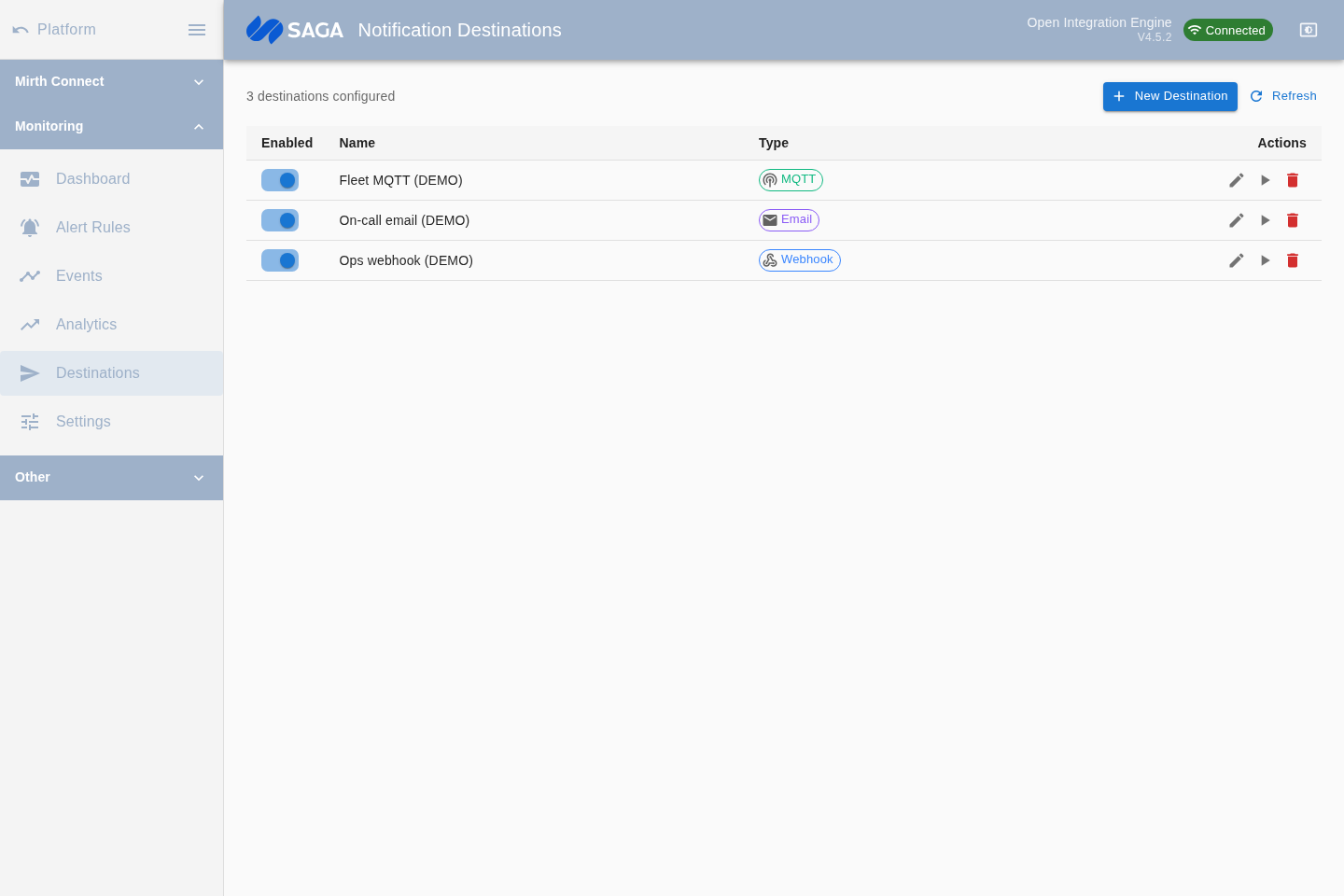
Testing a destination
Section titled “Testing a destination”The Test button sends a sample alert payload with severity Info and the message “Test notification from Mirth Alerts Monitor”. A success or failure response is shown inline. Use this to confirm credentials, firewall rules, and topic permissions before the destination goes live in a rule.
Secrets and credentials
Section titled “Secrets and credentials”Webhook signing secrets and SMTP passwords are masked (********) in the UI and API after saving — you cannot retrieve the original value, and it is never returned to the client. The values are held on the server in the plugin’s embedded database. If you lose a secret, generate a new one and update your receiver.