
Dashboard
The Contacts dashboard is the landing page for the Contact System. It gives you a status overview and, when you’re starting out, a guided checklist.
Getting Started checklist
Section titled “Getting Started checklist”On a new account, the dashboard shows a Getting Started checklist that walks you through the essential setup steps in order:
- Enable discovery — make your organization visible in the Directory.
- Peer with your own server (or a trusted peer) — self-peering lets you reach your own Mirth server’s Web UI through the platform, or peer with a partner organization via the Directory.
- Provision admin connections — set up remote management access where you need it.
- Set up channel connections — share data by granting access and provisioning connections.
Each step has an action button that takes you to the right place. Once you’re comfortable, you can dismiss the checklist — it won’t come back unless you re-enable it.
Status at a glance
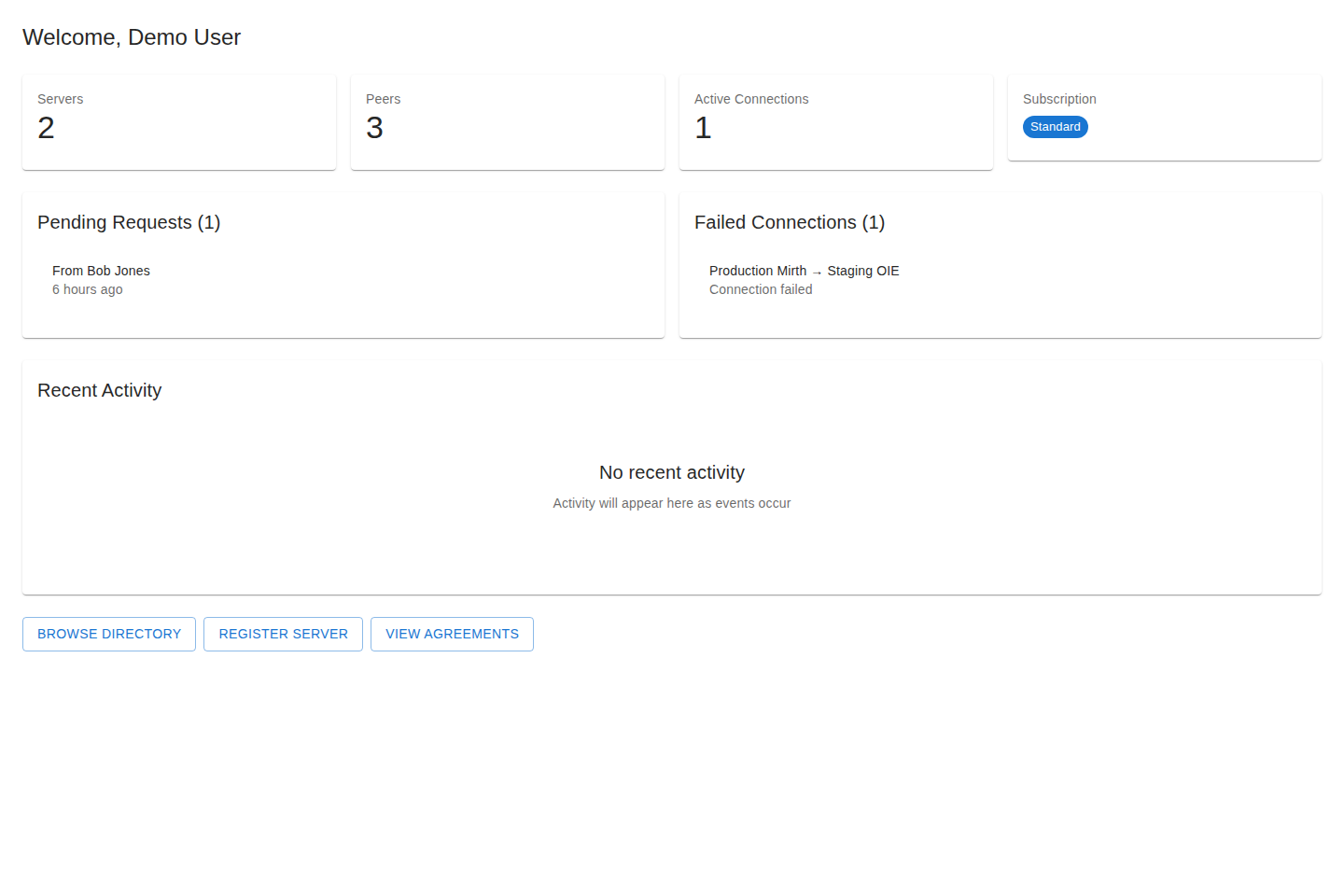
Section titled “Status at a glance”The dashboard summarizes the state of your account:
- Active agreements and pending requests.
- Active connections and their connectivity.
- Registered servers.
- Recent activity.
Use these cards as jumping-off points — selecting one takes you to the relevant area.
Notifications
Section titled “Notifications”The Contact System notifies you in real time when something needs your attention — a new peering request, a connection offer, or a status change. Notifications appear as they happen and are also kept in a persistent inbox so you never miss one. An unread badge shows in the navigation.
Next steps
Section titled “Next steps”If you haven’t connected with anyone yet, the Quickstart walks the whole flow end to end.