
Peering
Peering is how organizations establish a working relationship. A peering request, once accepted, becomes an agreement — the foundation for sharing channels and provisioning connections.
The Peering area has three tabs: Inbox, Outbox, and Agreements.
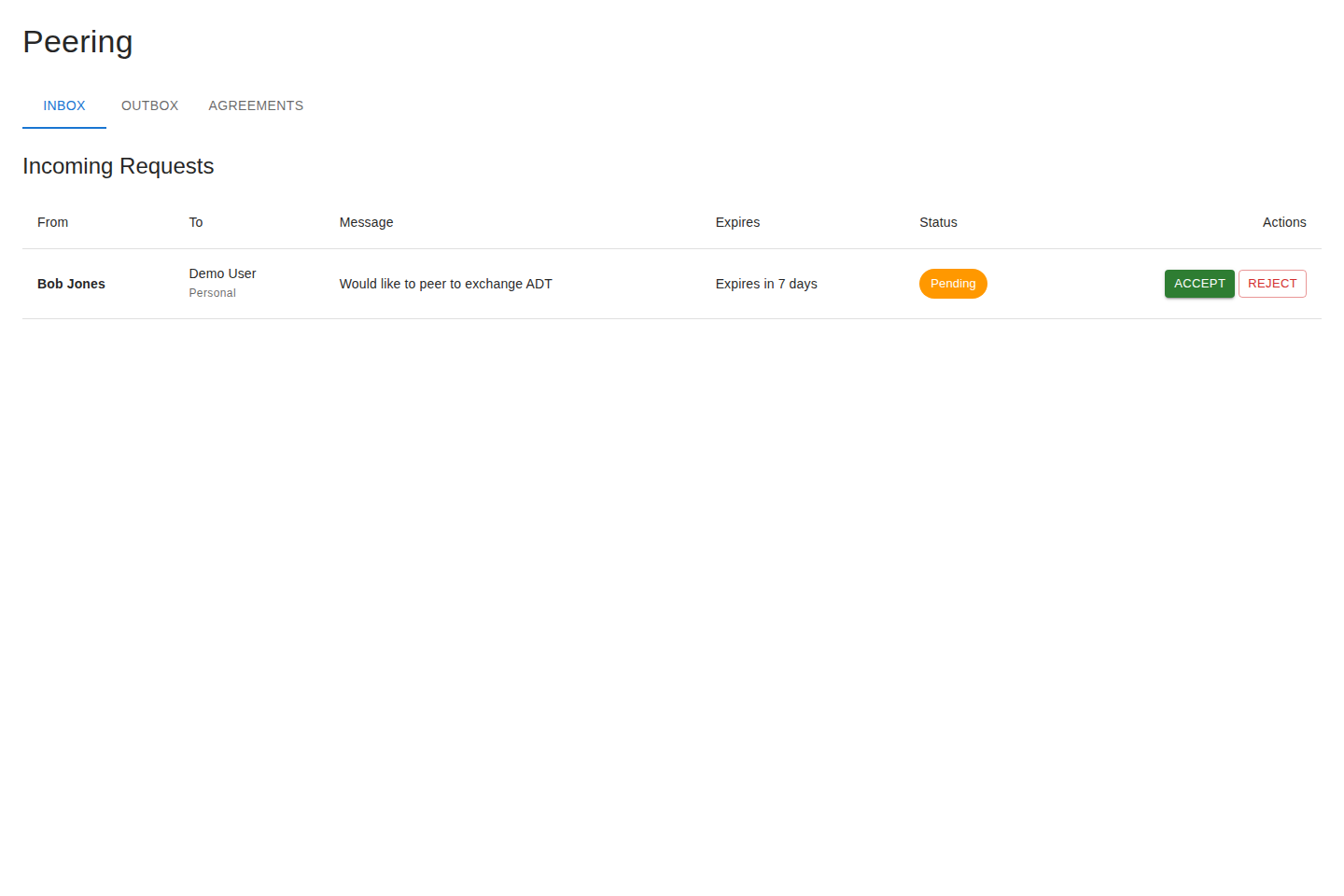
The Inbox holds peering requests other organizations have sent you. For each request you can see who it’s from and their message, then:
- Accept — creates an agreement and lets you start sharing.
- Reject — rejects the request.
Outbox
Section titled “Outbox”The Outbox shows requests you’ve sent that are awaiting a response. A request stays here as pending until the recipient accepts or declines it from their Inbox. To start a new request, find the organization in the Directory.
Agreements
Section titled “Agreements”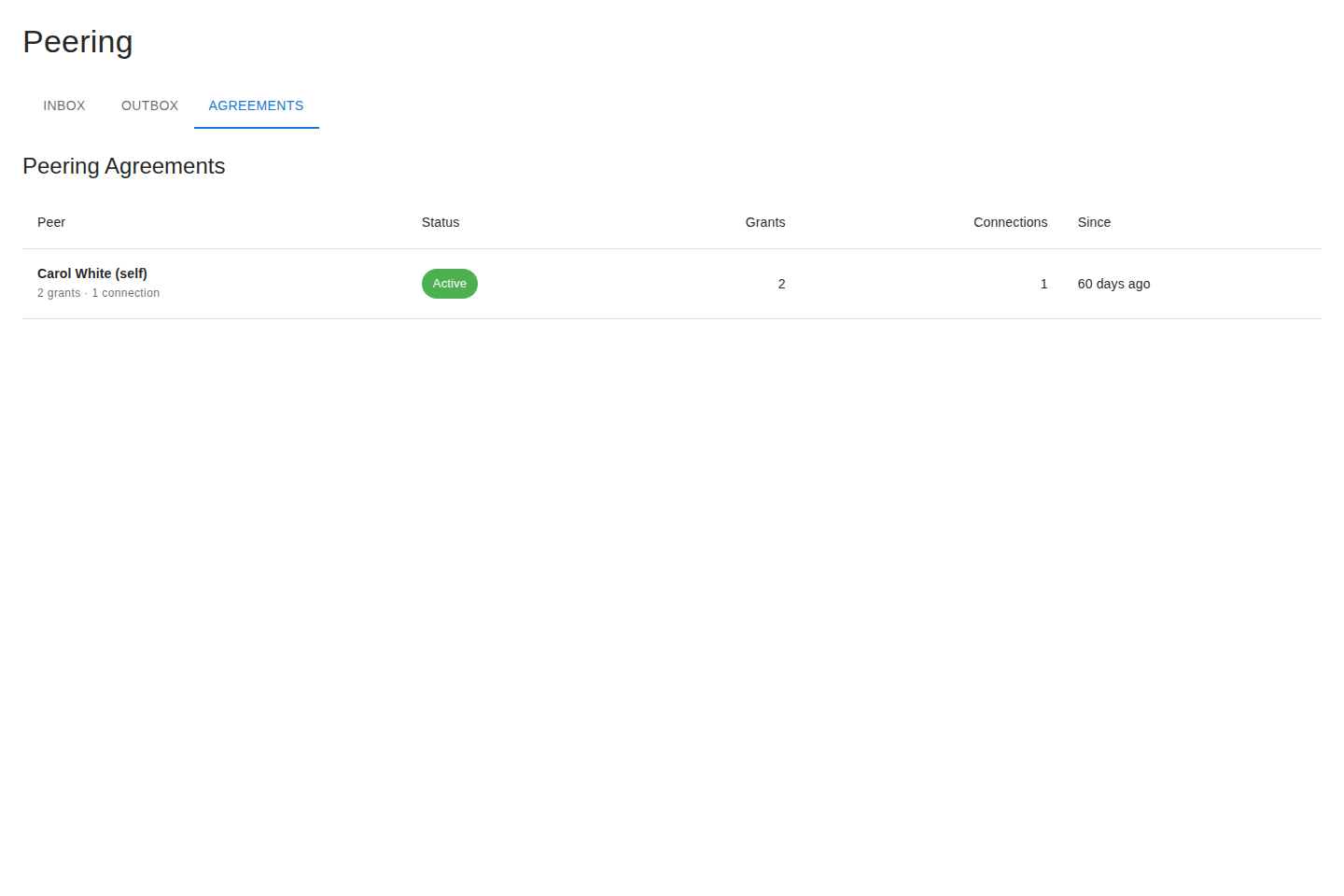
The Agreements tab lists your active relationships. From an agreement you can:
- View its details, including the channels and grants it carries and the status of related connections.
- See pending grants awaiting action.
- Revoke the agreement, which ends the relationship and tears down the access it enabled.
Personal vs. organization context
Section titled “Personal vs. organization context”Peering can be scoped to you personally or to your whole organization. The context control lets you choose which you’re acting as when you send or manage requests. Organization -scoped agreements are visible to your colleagues; personal ones are yours.
Next steps
Section titled “Next steps”With an agreement in place, grant a partner access to a channel on Channels, then provision the tunnel on Connections.