
Signing in
Accessing the platform
Section titled “Accessing the platform”The platform runs in your web browser. Open the application URL provided by your
administrator (for the development environment this is https://dev.mdds-llm.com).
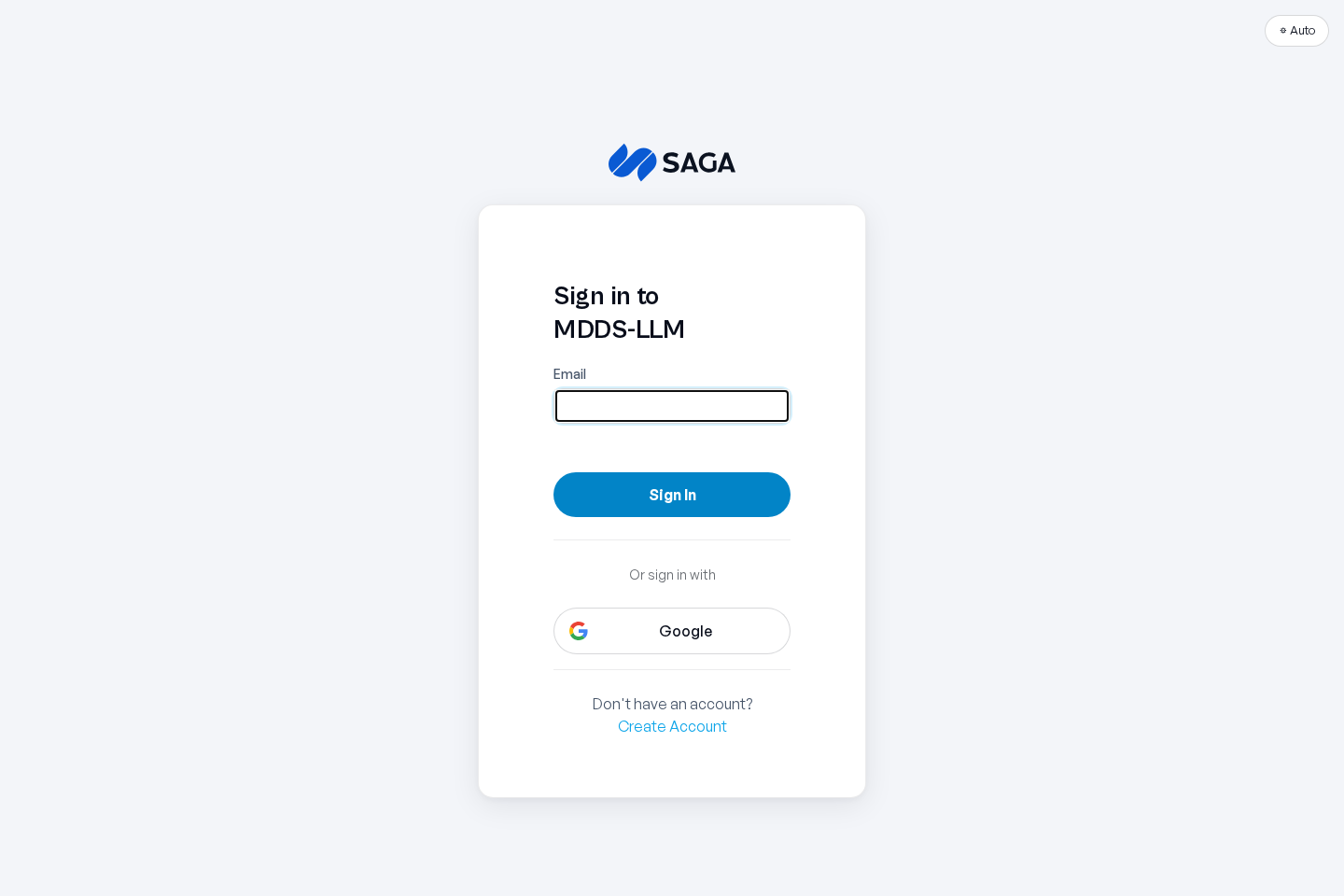
You’ll be redirected to sign in through Keycloak, the platform’s identity provider. Use the credentials issued to you. If single sign-on is configured for your organization, you’ll be signed in automatically.
First-time setup
Section titled “First-time setup”The first time you sign in, take a moment to set up your profile so partners can find and recognize you:
- Open your profile from the account menu.
- Set a clear display name — this is what other organizations see in the Directory.
- Decide whether to be discoverable. When discoverable, your organization appears in the Directory so partners can send you peering requests. You can turn this off at any time.
The Getting Started checklist
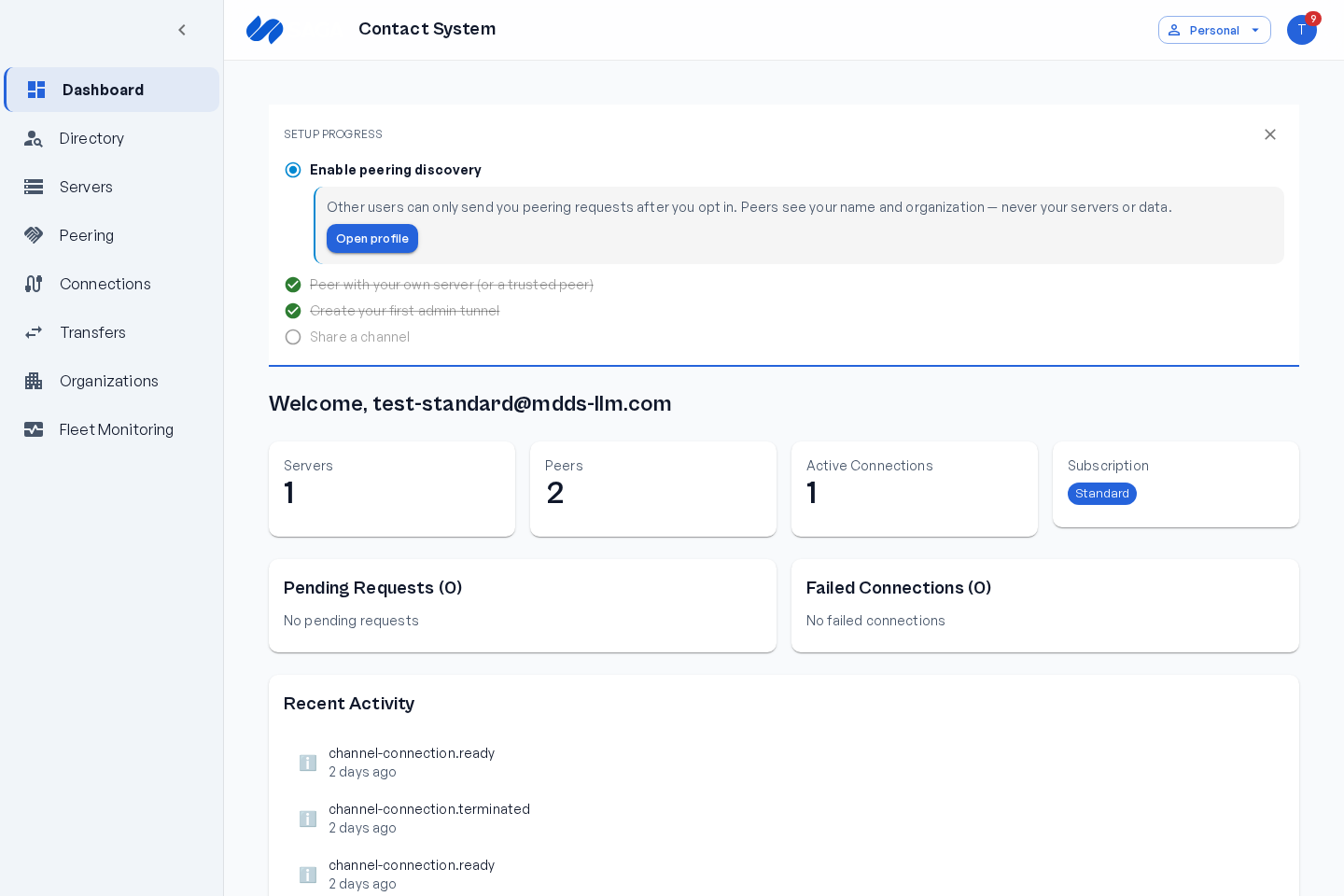
Section titled “The Getting Started checklist”On your first visit, the Contacts dashboard shows a Getting Started checklist that walks you through the key setup steps — enabling discovery, establishing peering, and provisioning your first connections. It’s the fastest way to orient yourself. You can dismiss it once you’re comfortable.
Sessions and signing out
Section titled “Sessions and signing out”Sessions expire after a period of inactivity. If your session is about to expire you’ll see a warning with the option to stay signed in. To sign out manually, use the account menu.
Next steps
Section titled “Next steps”Ready to connect with a partner? Follow the Quickstart.