
Connections
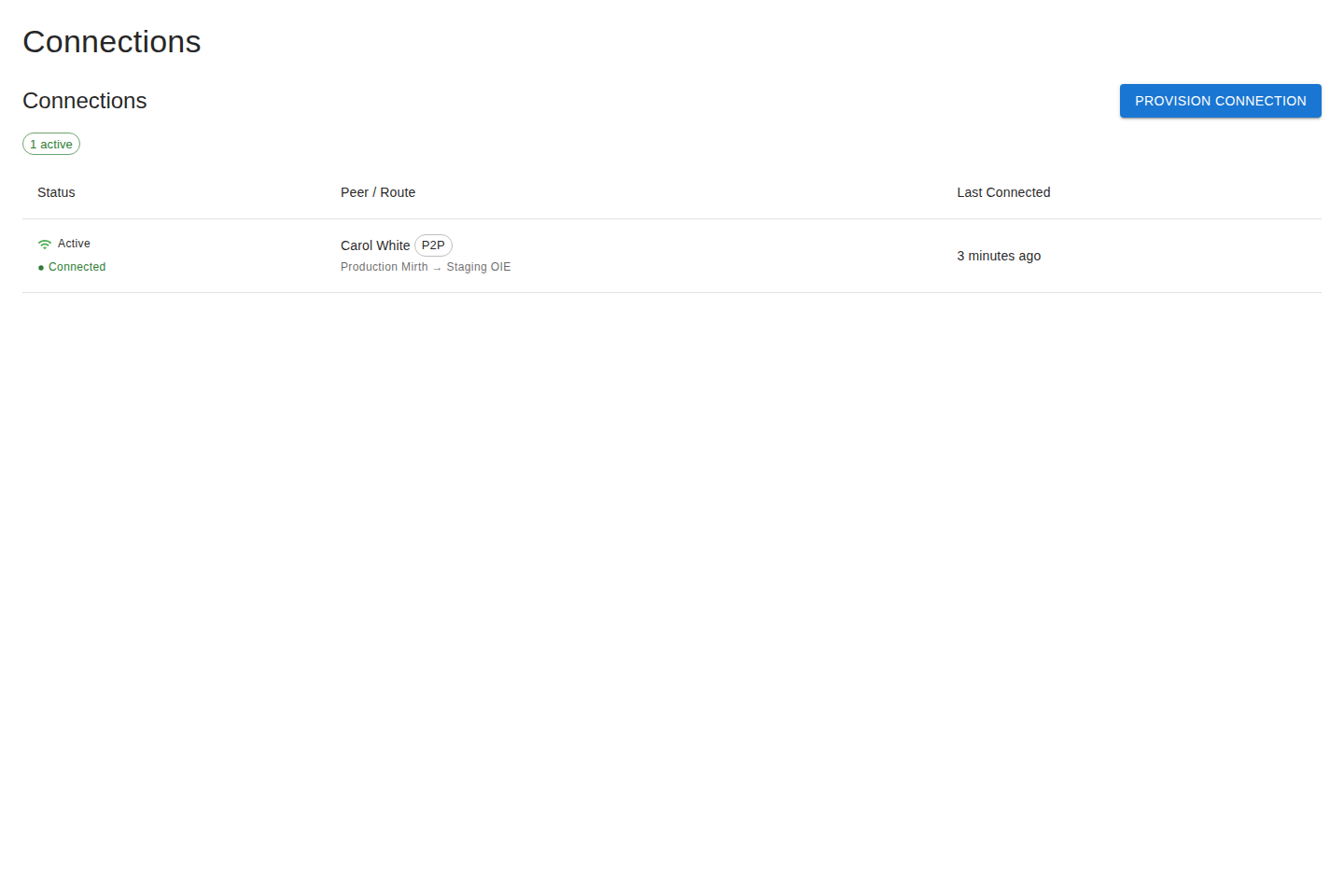
A connection is a secure, encrypted tunnel between two servers. It’s the pipe that actually moves data (or admin access) once a grant is in place. Connections run over the gateway.
Connection types
Section titled “Connection types”| Type | Purpose |
|---|---|
| P2P | Exchange channel data between servers. |
| Admin RW | Read-write remote management access to a server. |
| Admin RO | Read-only remote management access. |
See Connection types for a fuller explanation.
Provisioning a connection
Section titled “Provisioning a connection”The provisioning dialog creates admin connections — remote management access to a server you own. (P2P channel-data connections are not provisioned here; see the note below.)
- Go to Connections and start provisioning (a guided dialog opens).
- Choose the agreement.
- Pick the server you own to offer for remote management.
- Choose the access level — Read-only or Read-write.
- Provision it. The other party receives an offer to accept.
Once both sides are in place, the platform establishes the tunnel automatically.
Accepting an offer
Section titled “Accepting an offer”When a partner provisions a connection to you, it appears as Awaiting acceptance. Review and accept it to bring the connection online, or decline it.
Status and connectivity
Section titled “Status and connectivity”Each connection shows two kinds of state:
- Activation status — the lifecycle state you control (e.g.
Ready,Active,Paused,Offered,Failed). - Live connectivity — whether the gateway is currently online for this connection in
real time (e.g.
Connected,Disconnected,Never connected).
A healthy, working connection is Active and Connected. See statuses for the full list of activation statuses and connectivity indicators and what each one means.
Managing connections
Section titled “Managing connections”From the list you can pause, resume, activate, and terminate connections. Pausing keeps the connection but stops it; terminating removes it.
Secrets
Section titled “Secrets”Each connection has a shared secret used to authenticate the tunnel. For security:
- Secrets are never shown in lists.
- A secret is revealed once, only to the side that owns it, through a dedicated reveal action.
If you’re configuring a Gateway Sender by hand, you’ll enter the secret manually — the platform won’t fetch it for a server identity.
Privacy
Section titled “Privacy”Both parties can see each other’s server names and descriptions so you know what you’re connected to. Sensitive material — registration tokens and secrets — stays visible only to the side that owns it.