
Directory
The Directory lists users on the platform who are open to peering and have made themselves discoverable. It’s where you find partners and start a relationship.
Finding a user
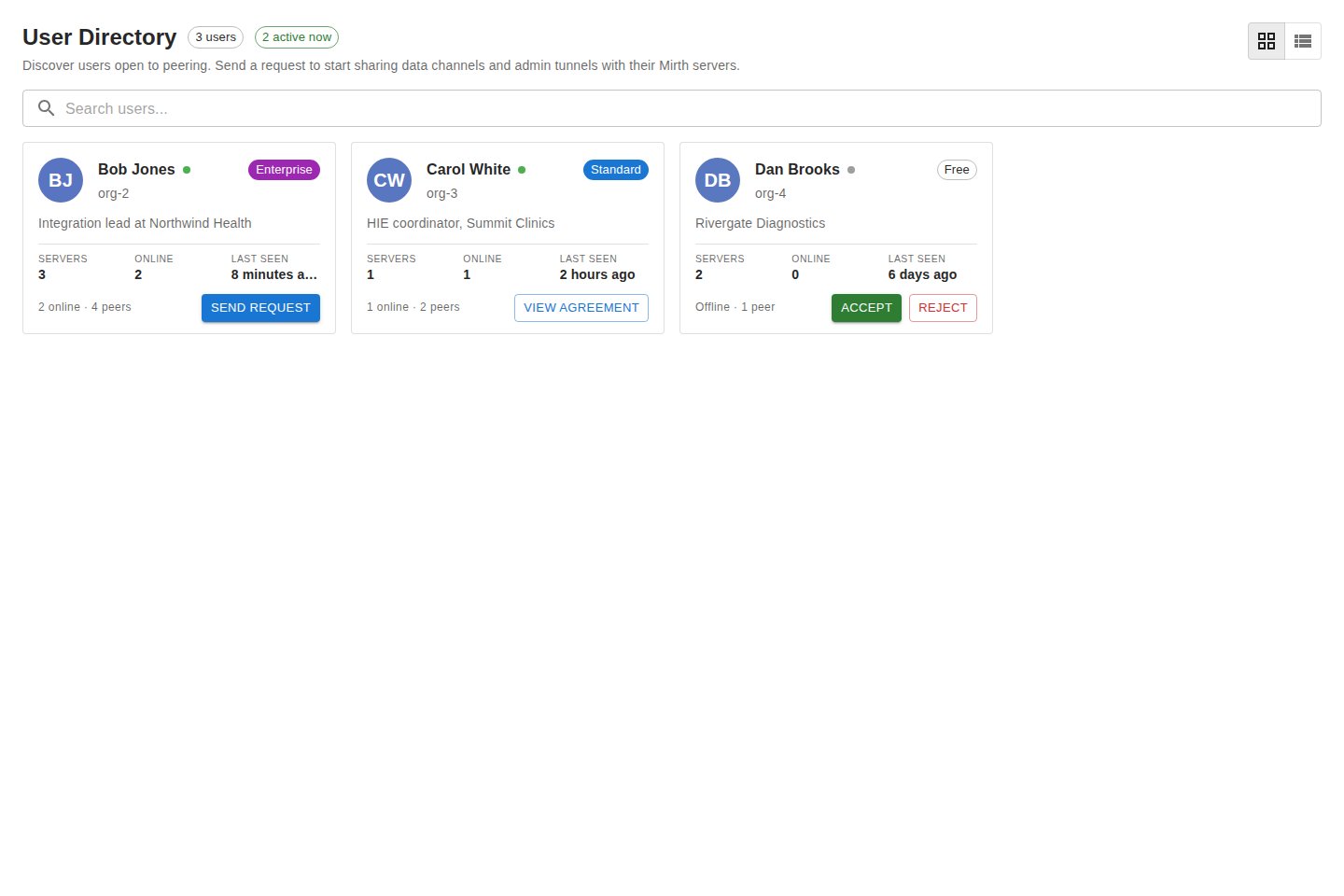
Section titled “Finding a user”Use the Search users field to filter by name. The header shows a count of how many users match. Each card shows the user’s display name, with their organization on a secondary line so you can recognize who they belong to.
Sending a peering request
Section titled “Sending a peering request”From a user’s Directory card, send a peering request:
- Find the user’s card and click Send Request.
- Add a short message so they know who you are and why you’re connecting.
- Send it.
The request lands in the partner’s Peering → Inbox. When they accept, an agreement is created and you can begin sharing.
If you already have an agreement with that partner, the Directory card links you straight to it instead of offering to send a new request.
What happens next
Section titled “What happens next”Track the request in your Peering → Outbox. Once it’s accepted, head to Channels to grant access, then Connections to provision the secure tunnel.