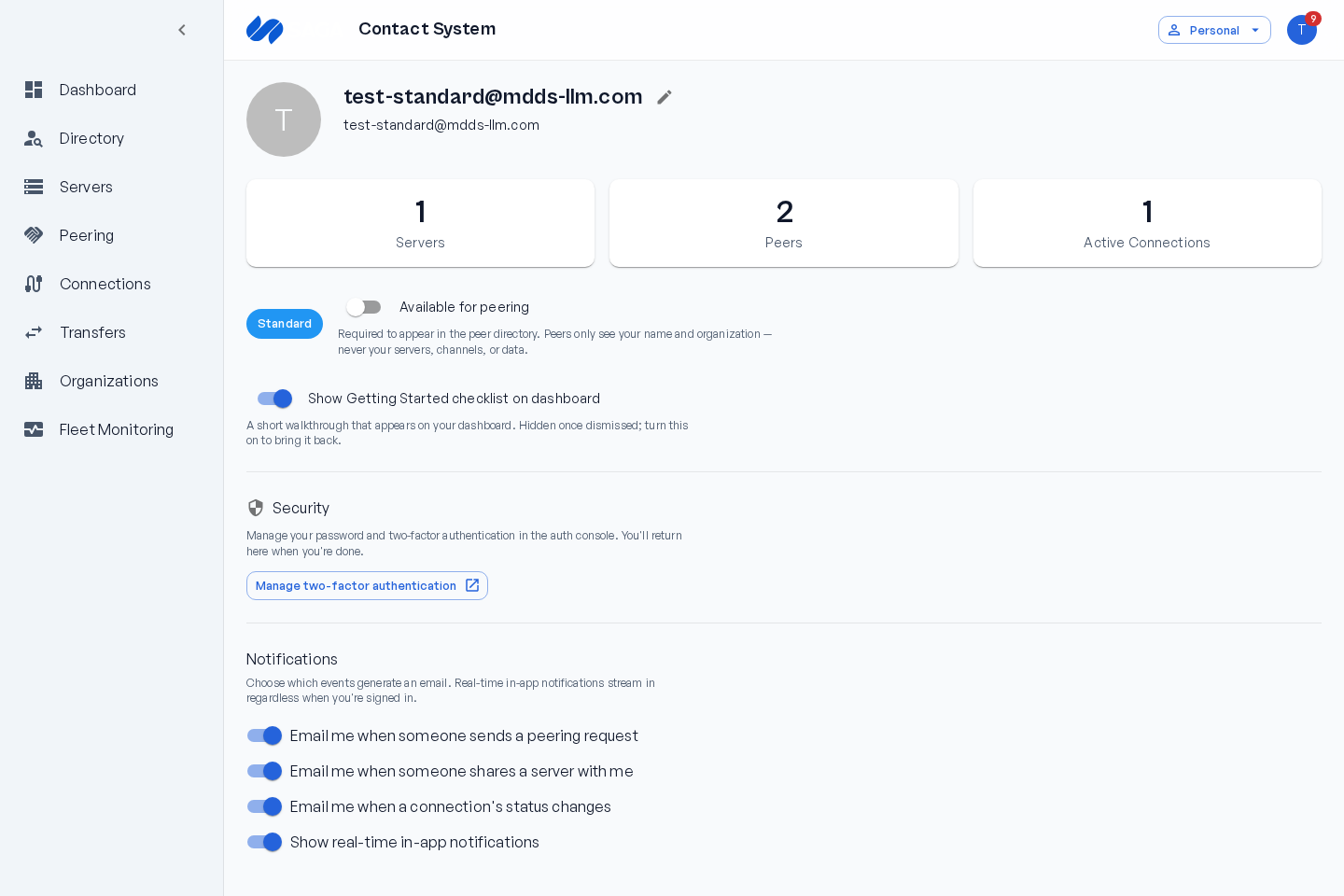
Your profile
Your profile is how partner organizations see and find you. Set it up before you start peering.
Display name
Section titled “Display name”Your display name is shown to other organizations in the Directory, on peering requests, and on connections. Choose something clear and recognizable — typically your organization’s name.
Discoverability
Section titled “Discoverability”The Available for peering toggle controls whether your organization appears in the Directory:
- On — partners can find you and send peering requests.
- Off — you’re hidden from the Directory. Existing agreements and connections are unaffected.
Notification preferences
Section titled “Notification preferences”Choose which events send you an email:
- Email me when someone sends a peering request.
- Email me when someone shares a server with me.
- Email me when a connection’s status changes.
A separate Show real-time in-app notifications toggle controls live in-app updates while you’re signed in. Either way, notifications are always saved to your inbox so nothing is lost.